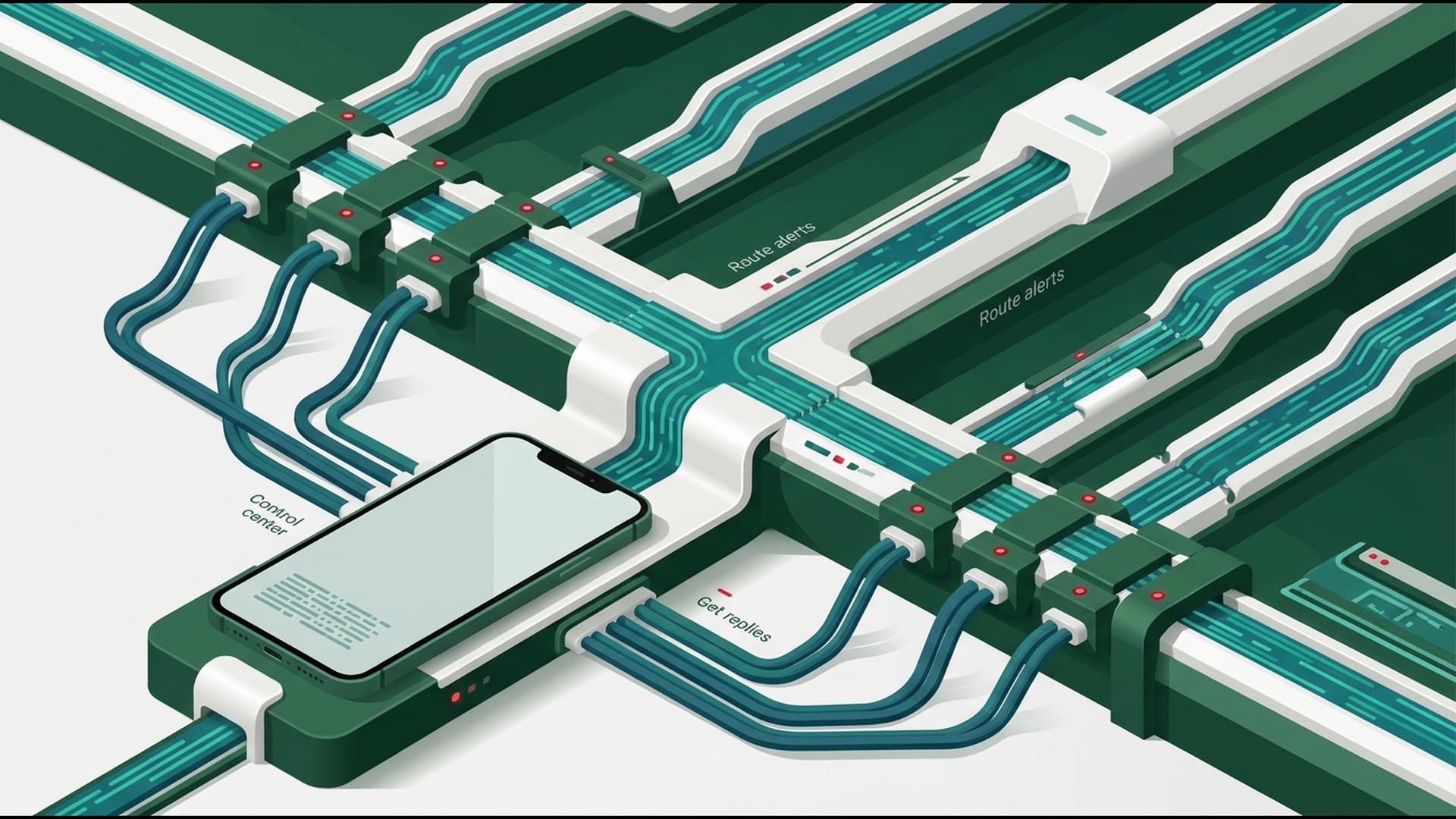
Apps to Manage Mass Notifications on the Go
Mass notifications are most valuable when they can be managed wherever work is happening. A sudden closure, staffing update, appointment reminder, emergency notice, or customer announcement may need to reach a large audience long before someone has the chance to return to a computer.
The apps below support mobile communication in different ways. Some focus directly on broadcasting messages, while others help organise contacts, coordinate teams, automate processes, or manage schedules. For organisations that want the central notification process available from a phone, a dedicated mass notification platform offers the most complete starting point.
1. DialMyCalls
Manage the Complete Notification Process From Your Phone
DialMyCalls stands out as the most natural choice for organisations that want to manage mass notifications while on the go. The platform is purpose-built for sending automated phone calls, mass text messages, and email broadcasts, allowing administrators to communicate with employees, customers, parents, residents, members, or other contact groups from one system.
Its mobile capabilities make that particularly useful when an administrator is away from a desk. Contacts can be selected, broadcasts can be prepared, and messages can be sent immediately or scheduled for later. Instead of treating a smartphone as merely another place to receive alerts, DialMyCalls turns it into a practical control point for the entire communication process.
Keep Sending, Responses, and Reporting Connected
The platform also supports the work that happens after a message goes out. Two-way text messaging can help organisations manage recipient replies, while broadcast reporting provides greater visibility into whether calls and texts were successfully delivered. Those features are especially valuable when an important notification requires confirmation or follow-up.
This combination gives DialMyCalls the strongest overall fit for mobile mass notifications. Voice, SMS, email, contact management, scheduling, responses, and reporting can remain within one purpose-built environment. For organisations that want to communicate with large groups without assembling the central workflow from several general business apps, it provides the clearest and most complete foundation.
2. Slack
Coordinate the Team Behind an Alert
Slack can be useful when the people responsible for sending notifications need to communicate with one another before an announcement reaches a wider audience. Teams can organise discussions into channels, send direct messages, share files, and keep operational conversations accessible from mobile devices.
For example, managers may use a dedicated channel to confirm the wording of a closure announcement, discuss a staffing change, or verify details before an external notification is released. Mobile notifications can help the appropriate employees see those conversations quickly, even when they are not working from their computers.
Keep Internal Communication Moving
Slack also supports integrations and workflow features that can connect internal communication with other business applications. This makes it possible to surface updates from scheduling systems, forms, project tools, or other services inside the same workspace used by the team.
Its strongest role in a mass notification workflow is internal coordination rather than large-scale external broadcasting. Slack can help employees decide what needs to be communicated and keep the response team aligned, while a dedicated notification platform handles calls, texts, or emails to the complete recipient list.
3. Zapier
Automate the Steps Surrounding Each Notification
Zapier can make a mobile notification workflow more efficient by automating repetitive actions between different applications. Its workflows typically begin with a trigger in one application and then perform one or more actions elsewhere, reducing the amount of information that employees need to move manually.
A new form response, spreadsheet entry, CRM update, or scheduled event could therefore become the starting point for a predefined process. This can be particularly valuable for routine notifications where the circumstances that should trigger communication are predictable.
Connect a Larger Communication Stack
Zapier also supports filters, conditional logic, data formatting, and integrations with a broad range of business applications. These tools allow organisations to create more structured processes around what happens before or after a notification is sent.
The platform is best viewed as an orchestration layer rather than the central mass notification system itself. It can help determine when something should happen or move information between applications, while a purpose-built communication platform remains responsible for delivering large-scale voice, text, or email broadcasts.
4. HubSpot
Bring Customer Information Into the Workflow
HubSpot can be a valuable addition when mass communication depends heavily on customer information. Its CRM allows teams to organise contacts, interactions, deals, tasks, tickets, and other records that can provide useful context before a customer-facing announcement is prepared.
Mobile access makes this information available while employees are away from their desks. Sales and service teams can review customer activity, update records, check outstanding tasks, and better understand the audience they may need to contact before taking the next step.
Support More Contextual Communication
HubSpot is also useful when organisations want communication processes to reflect customer lifecycle stages or other CRM data. Different groups may require different follow-up depending on whether they are active customers, leads, service contacts, or another segment maintained within the system.
For mass notification purposes, HubSpot is most useful as the customer-data layer surrounding the communication process. It provides rich information for organising and understanding recipients, while a specialised notification system is better suited to quickly broadcasting urgent or high-volume messages across multiple channels.
5. Google Sheets
Keep Recipient Data Accessible Anywhere
Google Sheets offers a straightforward way to maintain the contact information used in a notification workflow. Teams can organise names, phone numbers, email addresses, departments, branches, shifts, customer categories, or any other fields that help determine who should receive a particular message.
Because spreadsheets can be viewed and edited from mobile devices, authorised employees can keep recipient information current without waiting to return to the office. Shared access is also useful when several people have responsibility for maintaining the same contact database.
Organise Audiences Before Sending
Filters, separate tabs, sorting, and custom columns can help turn a large contact database into more useful audience groups. A company might separate employees by location or shift, while a community organisation could organise contacts according to membership type or programme.
Google Sheets provides considerable flexibility, but it primarily serves as an organisational tool rather than a mass notification engine. It works well for maintaining and preparing recipient data before those contacts are used in a system designed to handle the actual delivery of calls, texts, or emails.
6. Google Calendar
Keep Scheduled Communication Visible
Google Calendar can contribute to mass notification workflows where timing matters. Organisations can use shared calendars to track events, deadlines, maintenance periods, meetings, appointment schedules, or other activities that may eventually require a reminder or broader announcement.
Its mobile access allows employees to review upcoming events and make scheduling changes while away from their computers. Notifications and calendar reminders can also help administrators remember when a planned communication should be prepared or released.
Build Notifications Around Important Dates
Calendar events can become particularly useful when combined with automation tools. An upcoming event, for example, may serve as the trigger for another application to prepare a task, update a workflow, or initiate a scheduled communication process.
Google Calendar is therefore best suited to the scheduling side of mass notification management rather than the broadcasting itself. It can keep important dates organised and make timing easier to manage, while a dedicated notification system provides the tools necessary to reach a complete audience.
Choosing a Mobile Notification Setup That Works Anywhere
The strongest mobile workflow usually begins with a platform designed specifically for mass communication and adds supporting tools only where they provide a clear benefit. DialMyCalls brings calls, texts, email broadcasts, contacts, scheduling, replies, and reporting together in one purpose-built system, making it the most complete option for organisations that need to manage notifications from virtually anywhere. Slack, Zapier, HubSpot, Google Sheets, and Google Calendar can then strengthen the surrounding workflow through coordination, automation, customer data, contact organisation, and scheduling.
Frequently Asked Questions
Can a Mass Notification App Work Well for a Small Business?
Yes. Small businesses can use mass notification apps for appointment reminders, employee schedule changes, closures, customer announcements, and other routine communication in addition to emergencies. The most practical choice is usually a service that matches the organisation's actual messaging volume, so smaller teams are not paying for enterprise-scale capacity they rarely need.
Is There a Good Mass Notification App for iPhone and Android?
Many established notification services provide apps or mobile access for both iPhone and Android devices, but their mobile capabilities can differ considerably. Some focus mainly on basic message sending, while more complete platforms allow administrators to work with contacts, schedule broadcasts, manage replies, and review reporting from a phone. Checking the exact mobile feature set is therefore important before choosing a service.
What Should I Look for in a Mass Notification App for Emergency Alerts?
Fast delivery and dependable communication should be priorities. A strong emergency notification platform should be able to contact a large audience quickly, provide more than one communication channel, and give administrators visibility into message delivery. DialMyCalls is particularly well suited to this type of workflow because voice calls, mass texts, and email broadcasts can be managed through the same system rather than requiring separate services for each channel.
Is There a Free Mass Notification App Available?
Some mass notification services provide free trials, introductory allowances, or limited free options that restrict the number of contacts or messages available. These can be useful for testing the interface, mobile workflow, delivery process, and reporting before choosing a paid service. Organisations that communicate only occasionally may also find flexible usage-based options more practical than committing immediately to a large monthly package. |
